Daily content publishing sounds like it requires a full team. The operators running it solo in 2026 are not working harder — they’ve automated the parts that don’t require judgment and protected their time for the parts that do.
The mistake most people make is trying to automate the writing. That’s the wrong starting point. The parts worth automating are scheduling, validation, deployment, and status reporting.
Quick Answer: A working AI publishing workflow separates writing (AI-assisted but human-reviewed) from infrastructure (fully automated). The pipeline: scheduled agent writes draft → validation script checks schema → git push triggers deploy → cron flips draft to published on schedule. Each stage runs without manual intervention after setup.
The architecture of a sustainable pipeline
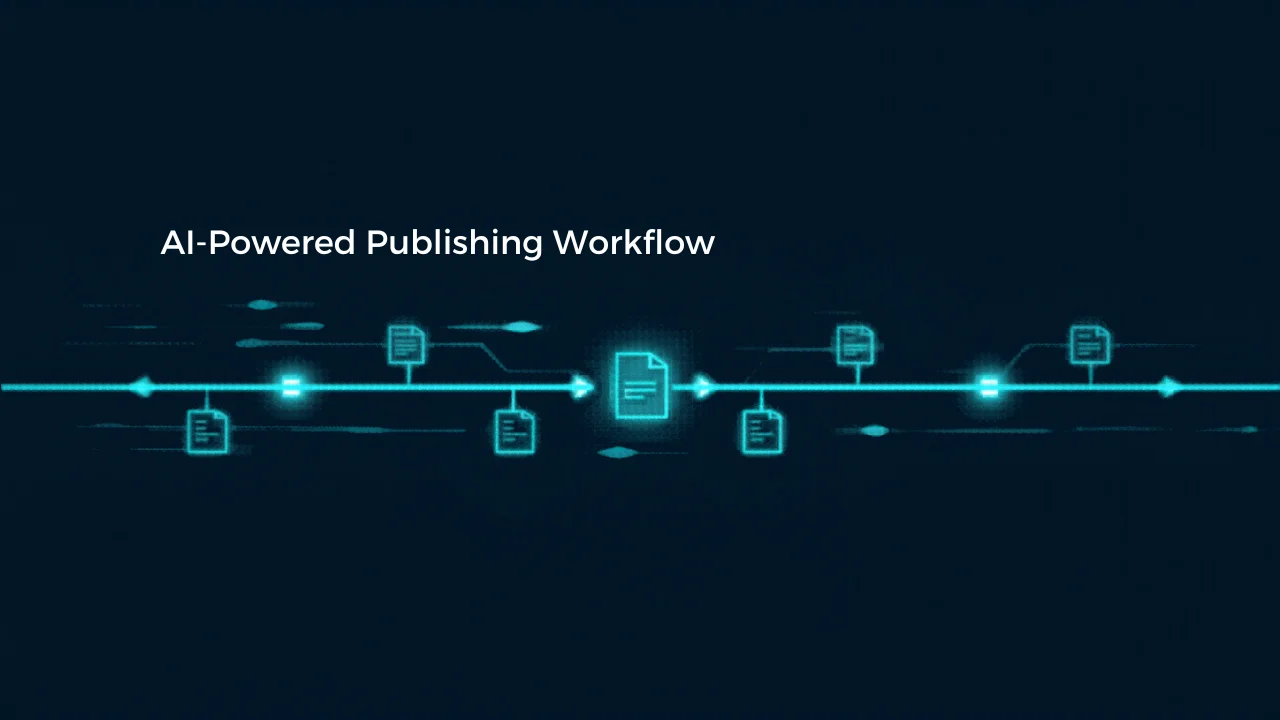
A daily content pipeline has four distinct stages. Each can be automated independently, and the failure mode of each stage is different.
Stage 1 — Content generation An AI agent writes drafts on a schedule. It reads a content calendar, selects the next post, writes to a specific format, validates schema, and commits to the repository. This runs at a fixed time — typically the evening before publication.
Stage 2 — Review buffer
Drafts live in the repository with draft: true for several hours before publication. This window allows for human review if needed but doesn’t require it for the system to function.
Stage 3 — Auto-publish
A cron job reads the publishing schedule, finds posts due today, flips draft: true to draft: false, runs a build, and pushes. This triggers the deploy pipeline.
Stage 4 — Deploy A CI/CD workflow (GitHub Actions, for example) builds the site and pushes to the hosting provider. This runs automatically on any push to the main branch.
The full pipeline runs without human interaction on most days. Human review happens asynchronously — you check status, not execution.
Setting up the content generation stage
The agent that writes drafts needs three inputs: a content calendar, a style reference, and a set of validation rules.
The content calendar tells the agent what to write and when. A simple approach: an Excel or markdown file with post IDs, titles, dates, and category labels. The agent reads this file, finds tomorrow’s posts, and writes them.
The style reference is a condensed writing guide — tone, structure, patterns to follow, patterns to avoid. The tighter and more specific this document, the more consistent the output.
Validation rules are schema constraints: required frontmatter fields, character limits, valid category values. Run a validation script before committing. If validation fails, the agent fixes the issue and re-runs. If it fails three times, it flags for manual review.
For n8n users, this stage can run as a scheduled workflow that calls a Claude API node, passes the calendar data and style reference as context, and uses a Code node to write the output file to the repository.
See the n8n affiliate program page for setup context if you’re evaluating n8n for this use case.
Setting up the auto-publish stage
The publish script needs to do three things: find the right file, flip the draft flag, and build.
Finding the right file: match by pubDate and slot field. If you have two posts per day (morning and evening), the script selects the first row for morning and the second for evening.
Flipping the draft flag: a simple sed replacement on the frontmatter — draft: true → draft: false.
Build check: run npm run build before pushing. If the build fails, abort and send a notification. Do not push a broken build.
The script should be idempotent: if it runs twice on the same day, the second run should detect that the post is already published and exit cleanly without error.
GitHub Actions handles the cron scheduling. Two cron triggers per day — one for morning, one for evening — each passing the slot as an input parameter.
The failure modes you need to handle
Draft not written when cron runs. The agent failed silently the night before. The publish cron finds nothing to publish. Mitigation: the cron script should send a notification distinguishing “already published” from “nothing found.”
Build fails after draft flip. The agent wrote a post with an invalid schema field. The validation step should catch this before commit, but if it doesn’t, the build will catch it before deploy. The script aborts without pushing. Mitigation: fix the schema error and trigger manually.
Deploy doesn’t trigger after publish push. If the push uses a default CI token rather than a personal access token, GitHub’s event rules may block the deploy workflow from triggering. Use a PAT (personal access token) for automated pushes.
Agent writes the wrong post. The calendar lookup finds a different post than expected. Mitigation: include date validation in the agent’s output — the agent should confirm the pubDate it’s writing matches the target date.
Monitoring without constant checking
A useful pipeline sends you a daily status message — not an alert for every action, but a summary at the end of the cycle:
- Morning post: published / skipped / failed
- Evening post: published / skipped / failed
- Deploy status: success / pending / failed
- Next post: scheduled for tomorrow at [time]
This is achievable with a Telegram bot notification at the end of each publish run. You read it once a day and know the status without logging into GitHub.
For operators using Make instead of n8n, the n8n vs Make comparison for AI operators covers the trade-offs for this specific pipeline design.
What you don’t automate
Two things break when fully automated without review:
Factual accuracy. AI agents writing news or product reviews will occasionally include outdated or hallucinated facts. A review pass before publication catches this. The buffer window in Stage 2 exists for this reason.
Tone drift. Over time, outputs can drift from the intended style. Periodically reading a week’s output and comparing to the style reference is the calibration step that keeps quality consistent.
The pipeline handles execution. Human judgment handles quality maintenance.
Frequently Asked Questions
How long does setup take? A basic pipeline — agent writes drafts, cron publishes, GitHub Actions deploys — takes 1–3 days to set up end to end. More time if you’re new to GitHub Actions or n8n.
Does this require a developer? Not necessarily. Tools like n8n provide visual workflow builders, and the GitHub Actions configuration is copy-paste for standard cases. Claude Code can help write and debug the publish script.
What’s the minimum viable version? Start with just Stage 3 and 4 — manual drafts, automated publish and deploy. Add the agent draft stage once the publish pipeline is stable.
Can this work with WordPress or other CMS platforms? The pattern applies — the publish step would call a WordPress API rather than a git push. The validation and scheduling logic is the same. WordPress REST API supports draft/publish status changes programmatically.
How do I handle posts that need urgent edits after publishing? Edit the file and push. The deploy pipeline triggers on any push. A fix is live within minutes of the push completing.
Build automation that fits your stack
If you’re evaluating automation platforms for a publishing pipeline, the programs section covers n8n, Make, and other tools with affiliate context — so you can compare and pick the platform that fits how you actually work.