Most teams do not struggle with AI ad creatives because there are no tools.
They struggle because every new tool adds another layer of complexity: more prompts, more exports, more disconnected steps, and more uncertainty about what actually improves performance.
That is the right lens for using Higgsfield. The goal is not to squeeze every possible feature out of the platform. The goal is to use it in a way that improves creative iteration without turning your stack into a chaotic experiment.
If you need the broader category context first, start with Best Use Cases for Higgsfield in Short-Form Content Workflows. This article focuses on one narrower use case: AI ad creatives.
Quick answer: The cleanest way to use Higgsfield for AI ad creatives is to keep it on the visual-production layer only. Use it to generate or refine hooks, product visuals, creator-style ad scenes, and fast creative variations. Do not ask it to handle messaging strategy, media planning, analytics, or every production step at once. The tool becomes most useful when it removes friction from ad concepting and iteration, not when it becomes the whole marketing stack.
Why Ad Creative Workflows Break So Easily
AI creative stacks get messy for a simple reason: people confuse generation with systems.
One tool can generate images. Another can animate them. Another can handle scripting. Another can edit voice. Another can manage distribution.
That sounds powerful, but if the stack has no logic, every campaign turns into workflow sprawl.
For ad creatives specifically, teams usually need only a few things:
- faster concept generation
- more visual variations
- better hook ideas in visual form
- a lower-cost way to test new directions
They do not necessarily need a giant all-in-one AI production machine from day one.
That is why Higgsfield is most useful when you treat it as one layer in a focused workflow, not as the whole workflow.
Where Higgsfield Fits Best in Ad Creative Work
Higgsfield’s official product and blog messaging make the strongest case around:
- cinematic video generation
- creator-style visuals
- product placement workflows
- image-to-video and draw-to-video paths
- one-click ad and product apps
- fast creator and marketing output
That suggests a very practical fit:
Higgsfield can sit in the creative production part of the ad workflow, especially when the team wants more volume and variation without paying the cost of a full shoot every time.
The Best Ad Creative Jobs for Higgsfield
Not every ad task belongs inside Higgsfield. These are the ones that seem to fit best.
1. Product-Led Social Ad Variations
If you already have product photos, packaging renders, screenshots, or lifestyle shots, Higgsfield appears useful for turning those static assets into more dynamic ad ideas.
That matters because many campaigns do not fail from lack of assets. They fail from lack of variation.
This use case is strongest when you want:
- several short visual directions from one product asset
- faster testing of product-first hooks
- social-ready motion without rebuilding from zero
2. Creator-Style UGC-Like Visual Concepts
Higgsfield’s visual style and creator-facing positioning make it more relevant for ad creatives that are supposed to feel:
- creator-native
- social-first
- stylized but not overly polished
- fast and reactive
That makes it useful for early exploration of UGC-adjacent concepts, creator-style promo shots, or product storytelling that feels more native to short-form platforms.
3. Hook Testing Through Visual Direction
Some hooks are copy-led. Some are visual-led.
Higgsfield is most useful when the hook depends on visual treatment:
- surprising product entry
- mood or scene shift
- camera motion
- tactile product moment
- visual contrast
In those cases, the platform can help you generate several directions quickly and see which visual logic is worth testing further.
4. Fast Product Placement and Ad Presets
The official Ads & Products app layer is especially relevant here. Higgsfield clearly wants to reduce the friction of building commercial-looking outputs with:
- Click to Ad
- product-focused templates
- ASMR product styles
- poster and product scene options
- draw-to-video and product insertion paths
That means one of the most credible uses of Higgsfield is not “make every ad from scratch.” It is “speed up ad creative production when product visuals already exist.”
5. Pre-Production Exploration for Real Campaigns
Even if the final ad is not fully generated with Higgsfield, the tool can still be useful earlier in the process.
A team can use it to:
- test scene directions
- compare product framing
- explore creator-style concepts
- generate low-cost visual proofs before greenlighting a larger production
That is often a higher-leverage use than forcing every final ad to come directly out of the platform.
What Higgsfield Should Not Own in the Ad Workflow
This is where teams stay disciplined.
Higgsfield should not automatically become:
- the messaging strategy layer
- the audience research layer
- the performance analytics layer
- the landing-page layer
- the offer strategy layer
Those are separate problems.
If you push one visual tool into all of those jobs, the workflow usually gets worse, not better.
That is why it helps to keep Higgsfield connected to the wider system rather than isolated from it. If your stack already includes content planning, creator workflow logic, and affiliate-oriented execution, Higgsfield becomes one visual module inside that larger affiliate workflow for content creators.
A Simple Way To Use Higgsfield Without Overcomplicating the Stack
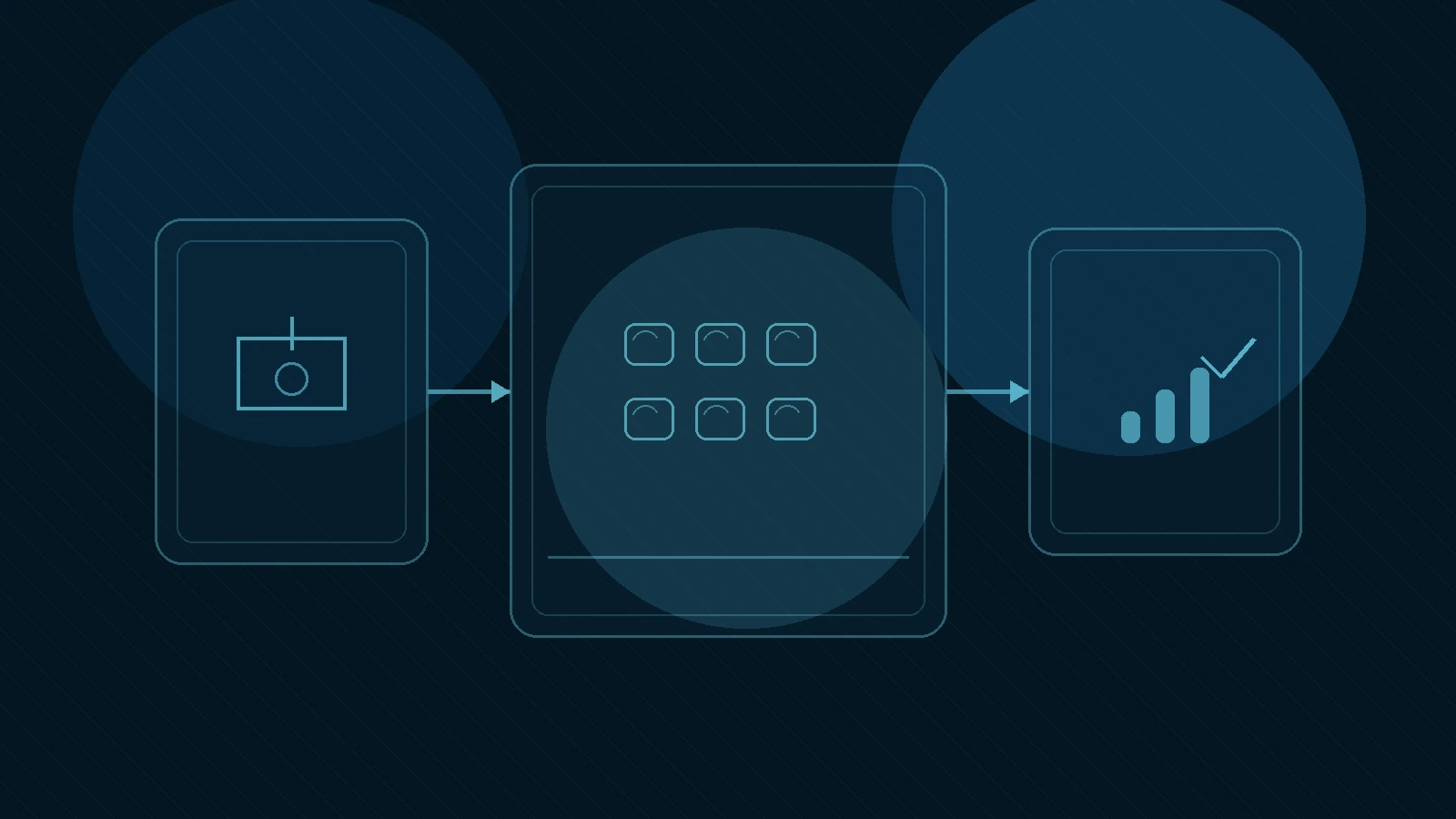
The easiest way to keep the system clean is to limit Higgsfield to three stages.
Stage 1: Visual Concepting
Use Higgsfield to answer:
- what should this ad look like?
- what visual hook feels strongest?
- what kind of motion or scene framing fits the offer?
At this stage, do not worry about media buying, advanced editing, or full funnel optimization.
Stage 2: Creative Variation
Once you have one useful direction, create controlled variations:
- change product framing
- change mood or lighting
- change scene intensity
- change motion treatment
The goal is to create a small set of testable creative directions, not dozens of random outputs.
Stage 3: Export Into the Wider Campaign System
After Higgsfield does the visual-heavy work, the creative should move into the rest of the stack:
- performance testing
- copy overlay or final messaging
- landing page alignment
- reporting and optimization
That keeps the tool in the lane where it adds value without making it responsible for the whole campaign system.
What To Test First
If you want a practical first test, use this sequence:
1. Start with one real product
Pick something your team would actually promote this month.
2. Choose one ad angle only
For example:
- fast demo
- tactile product moment
- creator-style reaction
- stylized lifestyle scene
3. Generate one visual concept
Do not test five tools at once. Start with one controlled idea.
4. Make two or three variations
Change only one or two variables at a time so the output remains comparable.
5. Ask whether the result reduces production friction
This is the important question. Not “is it cool?” Not “is it futuristic?”
But: Does this help the team create useful ad variations faster than the current process?
When Higgsfield Is a Strong Fit for Ad Creatives
Higgsfield is more likely to be worth using when:
- you already have a product and real campaign goals
- your visual team needs more speed and variation
- creator-style or cinematic output matters
- product visuals already exist and need stronger motion treatment
- you want a more efficient pre-production or testing layer
When It Is Less Ideal
Higgsfield is less ideal when:
- the main problem is offer clarity, not creative production
- the team still lacks a clear campaign angle
- you need analytics, testing infrastructure, or distribution support first
- visual production is not the bottleneck
- the stack is already too fragmented and another tool would make it worse
Checklist: Using Higgsfield for AI Ad Creatives
- Pick one real product or campaign to test
- Use Higgsfield for visual production, not every marketing job
- Start with one ad angle, not many
- Generate a small number of variations with controlled differences
- Decide whether the output saves time or improves quality
- Move the winning creative back into the wider campaign system
Frequently Asked Questions
Can Higgsfield replace a full ad-creative team? No. It can speed up visual production and exploration, but it does not replace messaging strategy, campaign planning, or performance analysis.
Is Higgsfield more useful for product ads or general brand ads? It appears especially relevant for product-led and creator-style ad workflows where visual treatment and motion matter.
Should I use Higgsfield for final ads or just concepts? Both can be valid, but many teams will get the best value by using it first for concepting and variation before deciding how much of the final workflow stays in-platform.
How do I avoid overcomplicating the stack? Keep Higgsfield on the visual-production layer. Let other tools or systems handle planning, copy, landing pages, distribution, and reporting.
💡 Next step
If you want the internal decision layer before testing ad workflows more deeply, start with the Higgsfield tool page →.