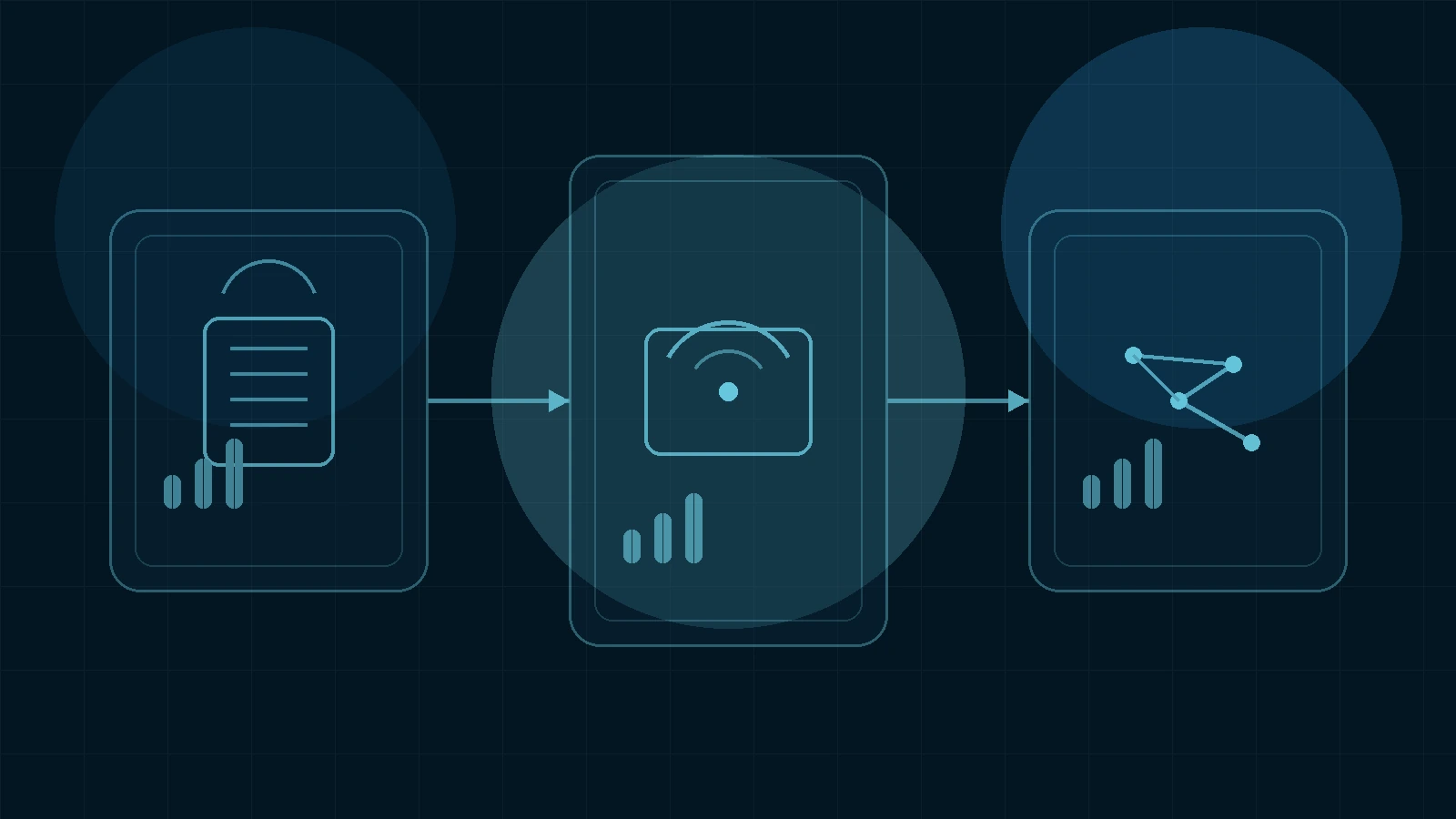
One of the biggest mistakes in AI workflow building is trying to turn one tool into the entire system.
That usually creates two problems at the same time:
- the tool gets used for jobs it was never meant to handle
- the workflow becomes harder to operate, not easier
Higgsfield works better when it stays in the visual-production lane. Claude works better when it handles thinking, outlining, scripting, and prompt structure. Automation tools work better when they move assets and information between steps instead of forcing people to repeat the same handoff manually.
That is why a creator workflow using Higgsfield, Claude, and automation tools can make sense. Each layer does a different job.
If you need the narrower visual angle first, read How to Use Higgsfield for AI Ad Creatives Without Overcomplicating the Stack. This article pulls the layers together into one practical workflow.
Quick answer: A clean creator workflow using Higgsfield, Claude, and automation tools looks like this: use Claude for ideation, scripting, and direction; use Higgsfield for visual generation and iteration; use automation only for repeatable handoffs such as organizing briefs, assets, approvals, or publishing prep. The goal is not to automate everything. The goal is to create a small system where each tool owns a clear part of the process.
Why This Stack Makes Sense
The reason this combination works is simple:
- Claude is strong at structured thinking, writing, prompt shaping, summarization, and turning messy ideas into usable instructions.
- Higgsfield is strong at visual generation, creator-oriented image/video workflows, cinematic direction, and creative iteration.
- Automation tools such as n8n are strong at moving data, files, and triggers between steps without constant manual repetition.
That means the stack has a natural division of labor.
The Three Roles in the Workflow
Before building any automation, it helps to define what each layer is responsible for.
1. Claude = Strategy, Brief, and Script Layer
Claude should handle the parts of the workflow that benefit from language, structure, and reasoning.
Examples:
- turning a raw campaign idea into a usable brief
- drafting hooks and visual concepts
- writing short scripts or scene descriptions
- refining prompt language
- summarizing feedback after test rounds
Claude is especially useful here because it reduces creative ambiguity before production starts.
2. Higgsfield = Visual Production Layer
Once the brief is clear, Higgsfield becomes the place where the idea turns into visual output.
Examples:
- generating first-pass visual concepts
- turning a still concept into motion
- creating creator-style ad variants
- testing different visual hooks
- exploring cinematic or camera-driven scene direction
This keeps Higgsfield in the lane where it adds the most value: visual execution and iteration.
3. Automation = Handoff and Repeatability Layer
Automation tools matter only after the workflow becomes repeated enough to justify them.
That usually means:
- moving approved prompts into a workspace
- routing briefs or assets into folders
- pushing outputs into review queues
- sending notifications when a batch is ready
- syncing campaign notes or results into a tracker
This is where tools like n8n become relevant. Not because every creator needs automation immediately, but because repeatable handoffs are exactly where manual friction accumulates.
A Practical Workflow From Idea to Asset
This is the cleanest way to run the stack without overbuilding it.
Step 1: Start With a Content or Campaign Goal
Do not start with tools. Start with one concrete goal:
- a short-form creator clip
- a visual ad variation
- a product storytelling sequence
- a social content series
If the goal is vague, the workflow will stay vague.
Step 2: Use Claude To Turn the Goal Into a Brief
This is where Claude saves time.
Ask Claude to structure:
- target audience
- campaign angle
- 3 hook directions
- scene or mood suggestions
- a short narrative or shot outline
- prompt-ready descriptions
The output you want is not a polished essay. It is a usable creative brief that makes visual generation faster and cleaner.
Step 3: Turn the Best Direction Into Higgsfield Inputs
Once the brief exists, use Claude to reduce it further into:
- image prompt directions
- scene references
- motion ideas
- specific visual constraints
Then move those directions into Higgsfield and generate:
- one primary visual route
- two or three controlled variations
This is where the workflow becomes operational. Claude helps you think. Higgsfield helps you see.
Step 4: Evaluate Visual Output, Not Just Novelty
A common mistake is judging outputs by how surprising they are rather than by whether they fit the actual job.
When reviewing Higgsfield outputs, ask:
- does this improve the hook?
- does it match the intended audience?
- is the visual direction actually usable?
- does this move faster than our old process?
If the answer is no, do not hide the problem behind “creative experimentation.” Fix the brief or stop the test.
Step 5: Use Automation Only for Repeated Hand-Offs
This is the point where many teams overreach.
They try to automate the whole creative process before the workflow is stable. That usually creates more maintenance than leverage.
Instead, automate only what repeats often:
- save approved creative briefs to a shared location
- route selected Higgsfield outputs to a review folder
- notify collaborators when a new batch is ready
- log test rounds into a spreadsheet or campaign tracker
- trigger a publishing-prep task after approval
If the workflow still changes every day, keep the handoffs manual a bit longer.
What This Workflow Looks Like in Practice
A real creator or small team might use the stack like this:
Claude handles:
- campaign idea breakdown
- visual hook options
- prompt refinement
- short script lines
- summary of what changed between creative versions
Higgsfield handles:
- core image or video generation
- creator-style motion
- product placement experiments
- cinematic or camera-oriented scene testing
- final visual variations for internal review
Automation handles:
- moving selected outputs into a campaign folder
- pushing a review message into Slack or email
- logging metadata to a project board
- organizing which creative versions were approved or rejected
That is enough to create leverage without turning the workflow into a fragile system.
Where This Stack Is Strongest
This workflow is most useful when:
- the team publishes visual-first content regularly
- creator-style campaigns are part of the content engine
- multiple assets need to be tested quickly
- one person owns ideation and another owns production or review
- asset handoffs are starting to repeat often enough to justify automation
It is especially useful for creator-led brands, AI/SaaS marketing teams, or lean operators running fast social and campaign workflows.
Where This Stack Is Too Much
This workflow may be excessive if:
- the team only makes visual content occasionally
- there is no repeatable handoff yet
- one person is still exploring tools informally
- the main bottleneck is not content production at all
- automation would be added before the base workflow is stable
In those situations, Higgsfield plus Claude may be enough at first. The automation layer can come later.
How To Keep the Workflow Clean
If you want this stack to stay useful, follow three rules.
Rule 1: Keep one owner per layer
Claude should not become the visual tool. Higgsfield should not become the planning tool. Automation should not become the creative brain.
Rule 2: Automate only proven repetition
If a step has not repeated enough to justify maintenance, it is too early to automate.
Rule 3: Review output quality before expanding the system
A bigger workflow does not help if the actual creative output still needs work.
Checklist: A Creator Workflow Using Higgsfield, Claude, and Automation
- Define one real content or campaign goal first
- Use Claude to structure the brief, hooks, and directions
- Use Higgsfield to generate one primary visual route plus a few controlled variations
- Evaluate output against workflow fit, not novelty
- Add automation only where the handoff is already repeating
- Keep each tool in a clear lane
Frequently Asked Questions
Do I need automation to use Higgsfield and Claude together? No. Many teams should start with Higgsfield and Claude only. Automation becomes useful once handoffs start repeating enough to justify it.
Why not let Claude do the whole workflow? Because Claude is much better at strategy, structure, and language than at acting as a dedicated visual-production layer.
Why not keep everything inside one visual platform? Because visual tools are rarely the best place to do structured planning, scripting, and workflow routing.
What automation tool fits this kind of workflow? A workflow tool like n8n is a good fit when you need repeatable routing, notifications, or asset organization without building a heavy internal system.
💡 Next step
If you want the internal fit summary before testing this stack yourself, start with the Higgsfield tool page →.