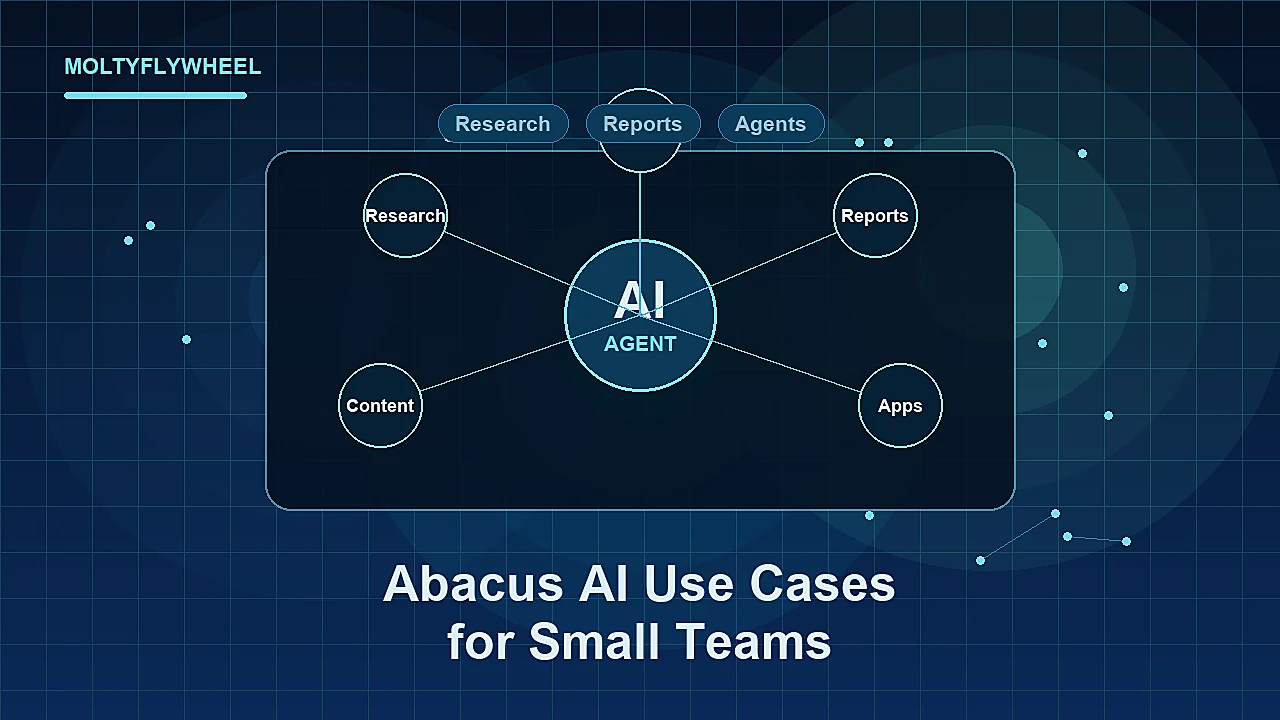
If you look at Abacus AI only as a bundle of models, you will probably use it too narrowly.
The more useful question is where a small operator team can turn Abacus AI into a working layer across research, reporting, content, lightweight building, and persistent agents without creating more operational drag than it removes.
Quick Answer: The best Abacus AI use cases for small operator teams are research synthesis, recurring reporting, content workflow support, lightweight app or dashboard creation, and managed agent automation through Abacus Claw. It is less useful when the team only needs one narrow chatbot task. The platform makes the most sense when it replaces several disconnected tools or gives a small team agent-style execution without self-hosting.
For product context first, read the practical Abacus AI overview. This guide assumes you already understand the broad platform and focuses on where small teams can actually use it.
Why Abacus AI Use Cases Matter for Small Teams
Small teams do not usually suffer from a lack of AI tools.
They suffer from tool sprawl, unclear ownership, weak handoffs, and too many half-automated workflows that still require a human to stitch everything together.
That is why Abacus AI is more interesting as an operating layer than as a single-purpose assistant. The official Abacus AI Agent documentation frames the product around action-oriented work: app and website creation, automated workflows, chatbots, presentations and reports, live web research, data analysis, and media generation. Abacus Claw adds the managed persistent-agent layer: memory, a cloud computer, channels, cron jobs, storage, and integrations.
For a small operator team, those capabilities only matter if they map to real work.
The goal is not to automate everything. The goal is to identify the few workflows where a central AI workspace or managed agent meaningfully reduces coordination cost.
Use Case 1: Research Synthesis for Content and Strategy
Research synthesis is usually the first strong use case because it creates leverage before it creates risk.
Small teams constantly need to convert scattered information into useful decisions:
- competitor moves
- product updates
- customer objections
- feature comparisons
- market shifts
- source-backed blog briefs
Abacus AI can help here because the work is not just “write a paragraph.” The work is collecting context, comparing sources, identifying patterns, and packaging the output into a form a human can review.
For an affiliate content operator, a practical workflow might look like this:
- Collect official product pages, help docs, and recent update notes.
- Ask Abacus AI Agent to produce a structured research brief.
- Separate confirmed facts from interpretation.
- Turn the brief into a comparison outline or editorial memo.
- Have a human editor approve the final angle before drafting.
This is a good use case because the human stays in the judgment loop. The AI reduces collection and synthesis time, but it does not make unsupported claims on its own.
It also fits the broader AI tools for affiliate content workflows model: research quality often determines whether the final content is useful.
Use Case 2: Recurring Competitive and Market Reports
Recurring reports are a stronger use case than one-off research because they benefit from repetition.
A small operator team might want a weekly report on:
- competitor publishing velocity
- new affiliate program pages
- pricing page changes
- AI tool launches
- search intent shifts
- content gaps in a niche
This is where Abacus Claw becomes more relevant than normal chat. The official Claw documentation describes persistent operation, cron jobs, tool integrations, channels, and a cloud environment that keeps working beyond a single browser session.
That does not mean every team should immediately build a persistent reporting agent. It means the use case is structurally aligned with what Claw is built for.
The workflow has a clear trigger, a repeatable data-gathering process, and a predictable output. Those are the conditions under which agent automation starts to make sense.
For example:
- every Monday morning, check a defined set of competitor pages
- summarize meaningful changes only
- flag new opportunities or risks
- send the report to Slack or email
- store the output for review
That is more valuable than asking an AI assistant for a generic “market update” whenever someone remembers to do it.
Use Case 3: Content Workflow Support
Content workflows are a natural fit for Abacus AI, but only when the workflow is structured.
Small teams often use AI for drafting too early. The stronger use case is everything around the draft:
- topic research
- outline generation
- source organization
- angle comparison
- internal link suggestions
- FAQ extraction
- summary generation
- content refresh notes
The drafting step still matters, but it is not the whole workflow.
Abacus AI is useful when your team wants one place to move from research to planning to packaging. If the team is using one tool for search research, another for model comparison, another for drafting, and another for reports, the handoffs become the workflow.
An Abacus-supported content workflow might look like this:
- Research a topic using official sources and recent documentation.
- Produce a decision-focused brief.
- Generate three possible article angles.
- Select the angle based on funnel stage.
- Draft an outline with internal link targets.
- Hand the outline to a human editor or publishing agent.
This is especially useful for teams producing comparison, review, or use-case content where accuracy matters more than volume.
Use Case 4: Lightweight Apps and Internal Tools
Abacus AI Agent’s official documentation includes app and website creation as a core capability.
For a small operator team, the best use case is not trying to replace an engineering team. It is building lightweight internal tools that remove repetitive manual work.
Examples include:
- a simple content brief generator
- a landing page copy tester
- an internal keyword clustering helper
- a lead scoring calculator
- a campaign reporting dashboard
- a tool comparison matrix
These are not necessarily products. They are operational utilities.
Small teams often avoid building internal tools because the setup cost feels too high. If an AI agent can create a working prototype quickly, the team can validate whether the tool is useful before investing more time.
The key is to keep scope narrow. A small internal dashboard with three inputs and one useful output is a better Abacus AI use case than a vague instruction to “build our operations platform.”
Use Case 5: Managed Persistent Agents
Managed persistent agents are the most distinctive Abacus AI use case, but they are also the easiest to overuse.
Abacus Claw is the hosted, managed version of OpenClaw. The official docs describe it as an always-on agent environment with persistent memory, cloud computer access, multi-channel presence, cron jobs, file storage, terminal access, and tool integrations.
For small teams, the appeal is obvious: you can test persistent agents without self-managing the full environment.
The best early persistent-agent use cases are narrow and recurring:
- check inboxes for specific lead types
- monitor a small list of URLs
- prepare a daily editorial queue
- generate a weekly content operations report
- collect support or community questions into a briefing
- run a scheduled publishing checklist
The wrong use case is “run the whole business.”
Persistent agents work best when the task has clear boundaries, a defined schedule, and an output that a human can inspect. If the workflow is ambiguous, agent persistence can make the ambiguity run faster rather than solve it.
If you are deciding between the managed path and running your own environment, the Abacus AI vs OpenClaw comparison covers that infrastructure decision more directly.
Use Case 6: Presentations, Reports, and Client-Ready Packaging
Small teams often lose time converting raw work into presentable work.
A research memo becomes a client slide deck. A data pull becomes a weekly report. A campaign review becomes a PDF. A product comparison becomes an internal recommendation.
Abacus AI Agent’s documentation explicitly lists presentations and reports as supported work. That makes it relevant for teams that need to move from analysis to packaged output without starting from a blank page every time.
This use case is strongest when the team already has a repeatable format:
- weekly performance report
- monthly niche opportunity deck
- client update memo
- product evaluation scorecard
- campaign postmortem
The AI should not invent the structure every time. Give it the structure, source material, and audience. Then let it reduce the formatting and first-pass assembly burden.
For operator teams, this is often more valuable than generating yet another blog draft.
Where Abacus AI Is Less Useful
Abacus AI is not the right answer for every small team.
It is less useful when:
- you only need one chatbot for occasional writing
- your team already has a stable AI stack with clean handoffs
- you do not need agents, reports, dashboards, or recurring workflows
- no one is responsible for reviewing outputs
- the workflow is too vague to define clearly
Broad platforms create value when they reduce fragmentation. They create friction when they become another place work disappears.
The practical test is simple: can you name the workflow, the trigger, the input, the output, and the reviewer?
If not, you are not ready to automate it.
Checklist: Start With the Right Abacus AI Use Case
- Pick one workflow that repeats weekly or creates real coordination cost.
- Define the input sources the AI is allowed to use.
- Define the output format before running the task.
- Keep a human reviewer in the loop for strategy, publishing, and client-facing work.
- Use ChatLLM or Abacus AI Agent for research, analysis, and packaging before jumping into persistent agents.
- Use Abacus Claw only when the task needs memory, scheduling, channels, or background operation.
- Review the Abacus AI tool page when you are ready to compare the product fit directly.
Frequently Asked Questions
What is the best first Abacus AI use case for a small team?
Research synthesis is usually the safest first use case. It creates immediate leverage, does not require deep integrations, and keeps humans in control of final decisions. Once the team has a clear repeatable process, recurring reports or managed agents become more realistic.
Should small teams start with Abacus Claw immediately?
Not usually. Start with a normal workflow first and move to Claw when the task clearly needs persistence, scheduling, channels, or background operation. Persistent agents are useful, but they should be attached to a defined recurring job.
Can Abacus AI replace a content team?
No. It can support research, outlines, summaries, reporting, and workflow execution, but editorial judgment still matters. For affiliate and operator content, human review is especially important because product claims, recommendations, and source interpretation affect trust.
Is Abacus AI better for technical or non-technical teams?
It can help both, but the value is different. Non-technical teams may value managed agents, app prototypes, and packaged reports. Technical teams may value model access, workflow experimentation, and the option to compare managed Claw against self-managed OpenClaw.
When is Abacus AI overkill?
It is overkill when the team only needs occasional writing help or one narrow model workflow. The platform becomes more compelling when it replaces several tools or supports recurring workflows that would otherwise require manual coordination.
Evaluate Abacus AI as an Operating Layer
The strongest Abacus AI use cases are not isolated prompts. They are workflows where small teams need research, reporting, packaging, lightweight building, or persistent agents in one place.
The Abacus AI tool page is the next step if you want the product-level fit, CTA path, and program context.
Use it to decide:
- whether Abacus AI replaces enough of your current stack
- whether managed Claw is relevant to your workflow
- whether the product fits your team’s operating model