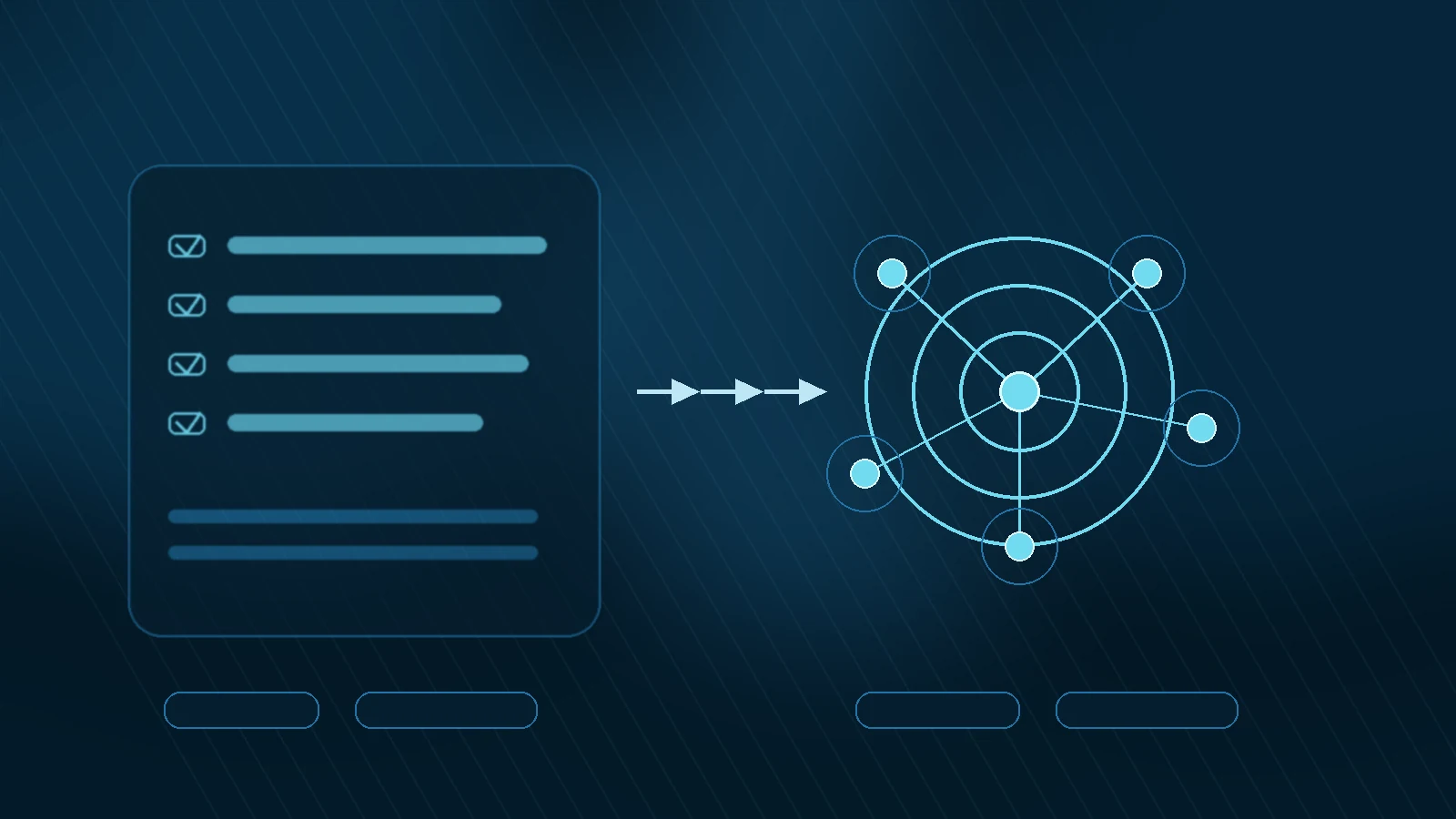
Most people say they want an AI agent for content marketing when what they actually want is one of three things:
- a faster research loop
- a cleaner drafting workflow
- less time wasted moving content between tools
That is useful, because it means you do not need to build a “full autonomous marketing brain” to get started. You only need one clear workflow that benefits from multi-step execution.
Quick Answer: The simplest way to build your first AI agent for content marketing in 2026 is to start with one repeatable workflow, define the goal, choose the tools the agent can access, keep a human review step at the end, and avoid over-automating too early. You do not need to code if you use a no-code or low-code orchestration layer and keep the first version narrow.
Start With One Workflow, Not With a Grand Vision
This is the mistake that breaks most first attempts.
Someone gets excited about agentic AI, then tries to build one system that researches keywords, writes articles, creates visuals, posts to social, updates the CMS, and reports results back in one giant chain.
That is too much for a first build.
A better starting point is one tightly scoped content workflow, such as:
- turning a keyword into a structured article brief
- monitoring a topic and generating a weekly content summary
- collecting source notes and drafting a first outline
- reformatting one finished article into multiple distribution assets
The reason this works is simple: the narrower the workflow, the easier it is to evaluate quality, catch errors, and improve the next run.
If you are still uncertain about when you need an agent rather than just a strong assistant, read AI agent vs AI assistant first. It will keep you from building the wrong thing.
What an AI Agent for Content Marketing Should Actually Do
A useful first agent should not try to replace strategy.
It should handle the repetitive middle layer between intent and output.
That usually means tasks like:
- gathering source material
- organizing it into sections
- checking for missing inputs
- producing a draft or brief
- preparing the work for human review
Think of the first agent as a workflow operator, not a creative director.
For example, a content-brief agent might:
- take a topic and primary keyword
- pull competitor headings or source notes
- summarize the likely search intent
- structure a draft outline
- suggest internal links
- hand the brief to a writer or editor
That is already enough to save real time.
The 5 Building Blocks of a First Content Agent
You do not need a complicated architecture to start, but you do need the right components.
1. A Clear Goal
Do not tell the system “help with content.”
Tell it something like:
- create a content brief for this keyword
- summarize these sources into an article outline
- turn this article into a newsletter and social cutdowns
The goal must be specific enough that you can tell whether the run succeeded.
2. Defined Inputs
The agent needs structured inputs, even if they are simple:
- target keyword
- audience
- content type
- source notes
- house rules
If your inputs are messy, your outputs will be messy too.
3. Tool Access
An agent becomes more useful when it can do more than generate text.
For a first content workflow, useful tools often include:
- web research
- document reading
- spreadsheet or database lookup
- file writing
- CMS draft handoff
You do not need all of them. One or two reliable tools are enough to start.
4. A Review Checkpoint
Your first version should always stop before publish.
The agent should deliver:
- a brief
- a draft
- a report
- a proposed update
Then a human decides whether it is ready.
That human checkpoint is what makes the system operationally safe while you learn.
5. A Feedback Loop
If you want the workflow to improve, you need to track what “good” looks like.
For example:
- Did the outline miss an important section?
- Did the summary overstate weak sources?
- Did the draft need heavy editing?
- Did the final content perform well after publishing?
Those signals should feed back into the next version of the workflow.
That is where a simple automation starts becoming a real flywheel. If you have not mapped that idea yet, the AI flywheel explanation is the right companion piece.
A Practical First Agent You Can Build Without Code
The easiest first content-marketing agent for non-developers is usually a brief-generation agent.
Why this one?
Because it is:
- easy to scope
- low-risk
- useful immediately
- easier to review than a full article autopublisher
Here is a simple version.
Goal
Turn one content topic into a usable article brief.
Inputs
- target topic
- target keyword
- audience type
- desired format
Agent actions
- gather relevant source notes or SERP cues
- group the material into likely sections
- identify audience questions
- draft an outline
- suggest internal links
- flag where human review is still needed
Output
A markdown brief or structured outline that a human can approve before drafting.
This is enough to reduce blank-page friction dramatically without pretending the system is ready to run the whole content department alone.
A Simple No-Code Workflow Shape
You can think about the workflow like this:
-
Trigger A new topic enters the queue.
-
Research step The system gathers source material or existing notes.
-
Reasoning step The model decides how to structure the content brief.
-
Formatting step The output becomes a markdown brief, checklist, or table.
-
Review step A human approves, edits, or rejects it.
That is already agentic enough to matter because the system is doing more than one step with a real goal and a real handoff.
You do not need to force complete autonomy for it to count.
Where No-Code Builders Help
For non-developers, the value of no-code or low-code orchestration tools is not magic. It is visibility.
They let you see the chain:
- input
- tool call
- model step
- output
- handoff
That visibility is extremely helpful when something goes wrong. A first content agent is easier to improve when you can inspect where the breakdown happened.
In practice, this often means using an orchestration layer to connect:
- a topic source
- a research or document step
- the model
- an output destination
If you want to understand how a structured automation layer can support that kind of system, our behind-the-scenes article on how OpenClaw generates one SEO post per day automatically is a useful example of the broader operating logic.
The Best First Use Cases for Content Teams
If you are not sure where to start, these are the strongest first candidates.
1. Keyword-to-brief agent
Useful for editorial teams that already know their topics but want a cleaner handoff into writing.
2. Source-note summarizer
Useful when writers waste too much time turning raw research into structure.
3. Content repurposing agent
Useful when long-form content already exists and the bottleneck is turning it into newsletters, posts, or short-form distribution assets.
4. Topic monitoring agent
Useful for fast-moving niches where staying current matters more than deep evergreen drafting.
For most teams, the best first agent is the one that removes the most boring repeated work without touching the highest-risk parts of publishing.
What Not to Do in Version One
Avoid these mistakes early:
- giving the agent too many goals
- connecting too many tools at once
- letting it publish directly without review
- treating prompts as strategy
- measuring success only by speed
The strongest first version is often a “quiet” one. It saves time, improves consistency, and does not create operational chaos.
That is what you want.
How to Know If It Is Working
Your first agent does not need to be impressive. It needs to be useful.
Measure things like:
- time saved per content cycle
- reduction in manual formatting work
- better brief consistency
- lower blank-page time for writers
- clearer internal linking and structure
If those improve, the workflow is working.
Only then should you consider expanding the scope.
Frequently Asked Questions
Do I need to know how to code to build a content-marketing AI agent?
No. A narrow workflow can be built with no-code or low-code tools if the goal, inputs, and output handoff are clear. You do not need to build a custom framework to start.
What is the easiest first AI agent for content marketing?
A brief-generation or source-summarization agent is usually the best starting point. It is practical, low-risk, and easy to review before use.
Should my first agent write full blog posts automatically?
Usually not. It is safer to start one step earlier in the workflow with briefs, outlines, or structured research. Full autopublishing is a later-stage decision.
How is this different from just using ChatGPT?
ChatGPT or another assistant helps with one step at a time. An agent is built to move through several steps toward an output with less manual direction between them.
When should I expand the agent beyond the first workflow?
Only after the first workflow produces reliable value. If you expand too early, you usually multiply noise instead of leverage.
🚀 Want to see how a compact AI workflow can fit real content operations?
If you want the next layer after this article, the most useful move is to study a system where research, drafting, and workflow handoff already connect more cleanly.