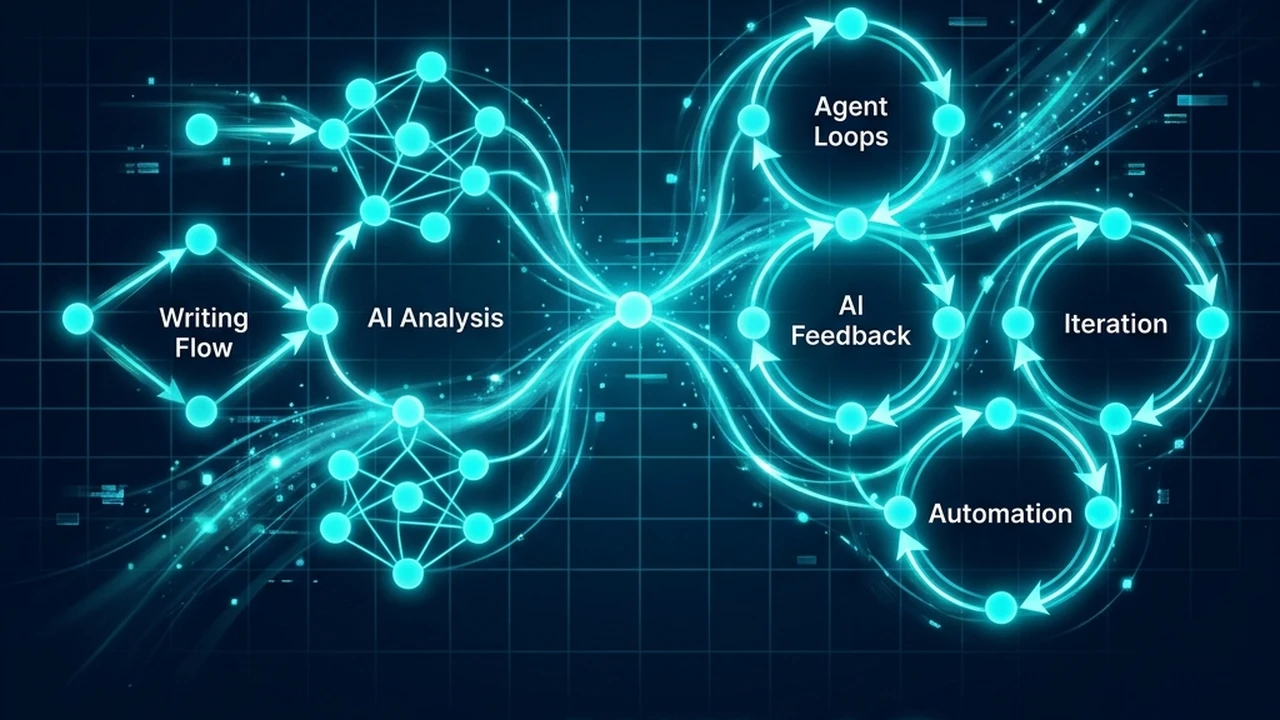
If you look at Abacus AI only as a multi-model playground for running ad-hoc prompts, you will miss the part that actually matters. The platform is not just a collection of chat interfaces; it is an environment for building structured workflows.
The real question is how to build a structured Abacus AI workflow that handles research, writing, and agentic tasks without adding operational friction. Many teams get stuck testing models instead of defining their processes.
For a small content team or individual operator, the biggest bottleneck is the time spent copy-pasting inputs and switching tabs. Moving from disconnected prompts to a repeatable workflow turns raw model intelligence into an organized system.
Our guide to the Abacus AI model stack explained breaks down how to choose the right models for different tasks before automating them. Understanding model strengths is the first step toward automation.
Quick Answer: A practical Abacus AI workflow uses the platform’s multi-model ChatLLM workspace and agent layer to separate research, draft generation, and operations. This approach is most effective for small creator teams that need to run multi-step tasks—such as competitive analysis or newsletter drafting—without managing complex API pipelines. By matching specific models to structured agent steps, teams can automate repetitive tasks while maintaining editorial control.
Why an Abacus AI workflow matters
Most content operators use chat platforms in an ad-hoc conversational way. This is fine for brainstorming, but bad for repeatable tasks. Prompting a model from scratch every time leads to inconsistent results and formatting.
An Abacus AI workflow matters because it connects model choice with specific execution steps. It standardizes data inputs (briefs, transcripts, CSVs) and delivers structured outputs. This shifts your role from writing prompts to managing pipelines and reducing decision fatigue.
Where Abacus AI has the advantage
The primary advantage of Abacus AI is unified access to multiple model families alongside persistent agent capabilities. Instead of maintaining separate subscriptions to OpenAI, Anthropic, and Google, teams access them in one workspace. This simplifies routing tasks to the best model.
The platform also provides built-in tools to handle data inputs, run code blocks, and output clean files. This is simpler than building custom scripts or complex integration scenarios in tools like Make or n8n. You do not have to write custom integrations to pass data between steps.
Additionally, the persistent agent layer—including features like Abacus Claw—allows you to run scheduled or webhook-triggered tasks. You can build custom agents that monitor competitors or prepare draft briefs in the background, working without constant human intervention.
Where Abacus AI is less ideal
While Abacus AI is powerful, its interface is complex compared to standard consumer chat apps. The learning curve is steeper, and setting up agents requires more initial configuration.
Another limitation is inconsistent model behavior. If your workflow switches models across steps, you may experience shifts in tone. A prompt that works for Claude may behave differently when routed to Gemini.
Finally, you lack control over the hosted environment. If you need deep customization or strict local data privacy, a hosted platform like Abacus AI is less flexible than custom agent stacks.
A practical Abacus AI workflow framework
To build a reliable system, organize tasks into distinct steps separating research, drafting, and quality control. This keeps the workspace clean and prevents models from getting confused by too many instructions, making debugging much easier.
1. Research and fact extraction
The first phase is gathering and structuring facts. Instead of asking a model to write immediately, use Claude 3.5 Sonnet to analyze raw source files. You can upload PDFs, transcripts, or spreadsheets directly to your workspace.
Configure the model to extract key data points and insights into a structured research document. This serves as the single source of truth for subsequent steps. Separating extraction from writing minimizes the risk of the model inventing false details.
2. Drafting and structural assembly
Once you have a structured research document, pass it to the drafting phase. Use a model known for clean writing, and apply your editorial style guide as system instructions. Enforce rules against fluffy transitions and generic marketing jargon here.
Instruct the model to build the draft section by section rather than generating the entire article at once. Generating shorter blocks of text improves focus and allows structural reviews. The output is a draft containing only verified facts.
3. Agentic quality checks and handoff
The final step uses an Abacus agent to run automated quality checks on the draft. Configure the agent to compare the draft against the original research document to ensure no facts were altered. This acts as a digital editor before human review.
The agent should also check for formatting errors, verify links, and flag prohibited words. Once the check passes, the workflow outputs a clean markdown file ready for your CMS. This ensures only reviewed, high-quality content reaches the publishing queue.
What to avoid when building workflows
The most common mistake is over-complicating agent steps too early. Many teams attempt to build complex, multi-agent networks before defining a simple manual process. Start with a single chat workflow and automate steps only after running them manually multiple times.
Another pitfall is neglecting the style guide. Without specific voice guidelines, models default to generic AI prose full of clichés. Keep a shared style document in your workspace and reference it in every drafting prompt.
Finally, avoid creating workflows for tasks you rarely perform. Building and maintaining automations takes time. Focus on tasks that run at least weekly, such as compiling newsletters, writing reviews, or preparing queues.
Frequently Asked Questions
How does Abacus AI compare to dedicated AI writing tools?
Abacus AI is an orchestration and multi-model platform rather than a pure writing editor. If you are comparing writing assistants, our best AI writing tool comparison outlines how dedicated editors stack up. Dedicated writing tools often have simpler interfaces, while Abacus AI is stronger for data routing and agent workflows.
What models are best for research versus writing in Abacus AI?
For research, reasoning models like Claude 3.5 Sonnet or GPT-4o are best for extracting facts. For drafting, you can use these same models with a detailed style guide, or faster models if speed is your primary goal. The choice depends on whether you need deep logical analysis or clean, direct prose.
Do I need coding skills to use Abacus Claw?
No, you can configure basic Abacus Claw agents using natural language and simple triggers. Knowing JSON or Python helps when parsing complex responses, but the built-in pipeline is sufficient. You do not need to write code to automate basic tasks.
Can I schedule workflows to run automatically?
Yes, Abacus AI allows you to set schedules for agent execution and data pipelines. This is useful for recurring tasks like compiling reports, scraping competitor pages, or preparing queues. Connect these runs to webhooks to push outputs directly to your CMS.
Route Your Workflows Efficiently
An automated workflow is only as good as the platform holding it together. If your team needs broad model access, persistent agents, and a hosted workspace, Abacus AI is a strong candidate for your stack. It provides the building blocks for operations of any scale.
The Abacus AI tool page provides detailed platform specifications, target use cases, and deployment paths. It helps you decide whether the system aligns with your current tool configuration.
Use it to analyze:
- whether ChatLLM Teams fits your current operating budget
- how Abacus Claw agents compare to self-hosted alternatives
- how to integrate the platform with your existing content systems